
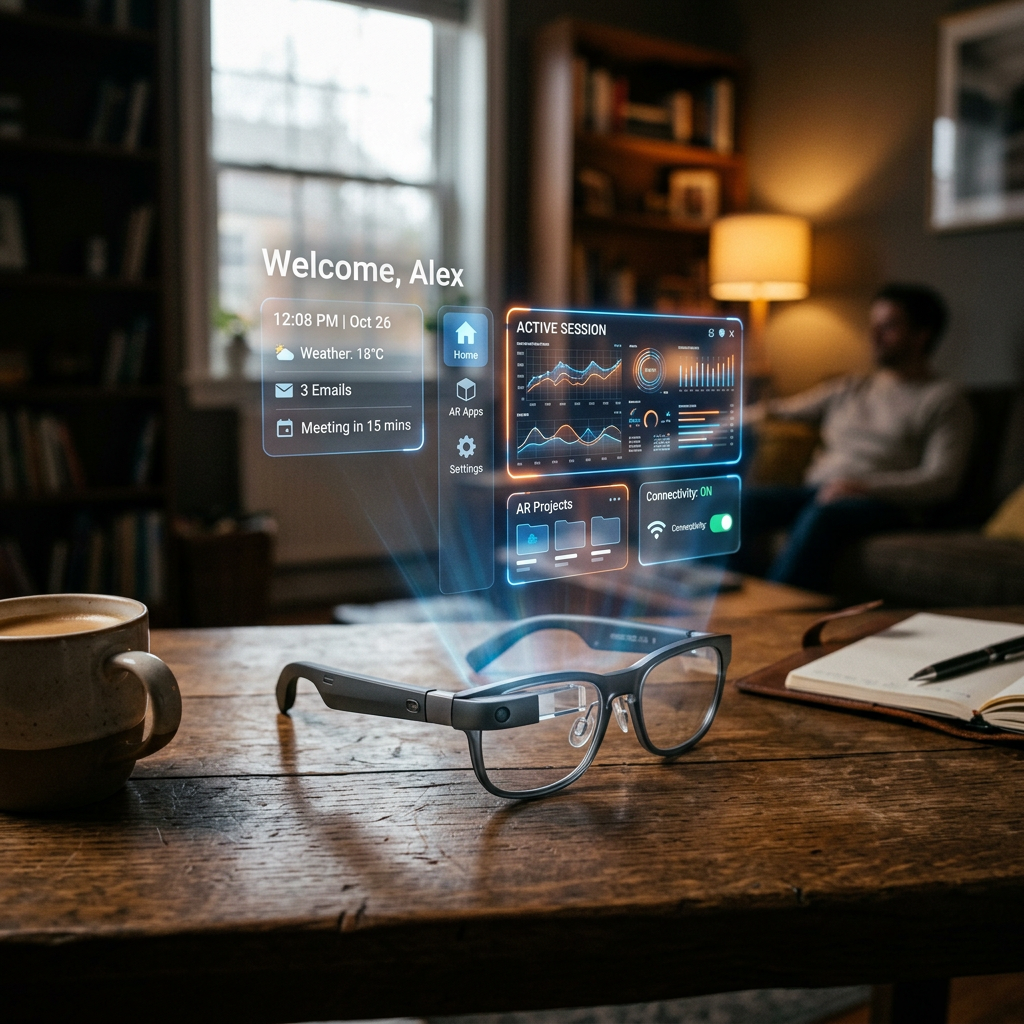
During this week’s Google I/O, we had a brief hands-on experience with the company’s upcoming AI-powered glasses. Not the audio-only model arriving this fall, but the version with an integrated display that combines sound and visuals.
Announced last year, these Android XR glasses project useful information directly onto the lens, overlaid on the real world. They can display widgets showing the weather, walking directions, Uber pickup details, live translations, and even AI-generated custom content. They will work with both Android and iOS.
The display model represents the natural evolution of the first-generation audio glasses, developed in collaboration with Warby Parker, Gentle Monster, and Samsung, blending Google’s technology with these brands’ design aesthetics.
The glasses we tried were functional prototypes, though lacking final finishes. Google prioritized experimenting with display technology and battery life impact, deliberately setting aside cosmetic details. So the final commercial version will look very different in fit, shape, and attention to detail. For example, the final version will detect when they’re being worn, but the prototype didn’t.
Controls and initial use
To activate Gemini, press the right side of the frame for two seconds. A chime lets you know Gemini is listening. On the prototype, activating Gemini also turned on the camera, but the final version will let users configure this.
We tried playing music by requesting a favorite artist. Background noise made it hard to judge sound quality, but it’s clear these won’t replace high-quality headphones. They’re fine for light music while walking, hiking, or doing chores, with the added benefit of not blocking out ambient sound.
To stop the music, simply tap the temple area once.
Photos and AI editing
Taking a photo is straightforward: a button captures the image, which is sent to your phone and watch without showing anything on the glasses’ display. You can also ask Gemini to take a photo and apply AI edits, for example: “turn this person into an anime character.” The image goes to the phone, then to Gemini servers, and returns edited. In a crowded Wi-Fi environment, the round trip took about 45 seconds.
Display and interface
With the display enabled, you see a simple home screen in your field of view. The prototype had preloaded widgets showing the weather and a countdown to the I/O event. You can also create quick launchers for specific apps like Google Maps or Translate.
The model we tried had a display only over the right eye, though the platform supports single, dual, or audio-only configurations. The image was somewhat blurry, possibly due to the evaluator’s prescription contacts. Closing the left eye improved focus, but eye strain on the right eye was almost immediate.
Real-time translation, the standout feature
The translation experience was impressive: an assistant spoke rapidly in Spanish, and the glasses showed the English translation on the display while Gemini spoke it in our ear. This alone could sell travelers on the glasses. The audio-only glasses will also support translation, but without on-screen text—just audio and a phone transcript.
Step-by-step navigation
You can ask Gemini to navigate to a destination, even something vague like “the nearest coffee shop.” This activates Google Maps on your phone, and after a brief delay, the glasses show turn-by-turn directions. Looking ahead shows your next turn; looking at the floor shows a map with your blue dot. You can turn left or right to orient yourself, just like moving the blue dot on your phone. When you look back up, the map disappears and you can keep walking. Saved places like “home” and “work” are available.
Object recognition
We also tried identifying objects. At first, the glasses struggled to recognize a replica of a Monet painting because the camera didn’t activate automatically—it had to be turned on manually from the app. After a couple of tries and moving closer to the signature, Gemini identified the artist. Recognizing plants or recipes from a book was much smoother. While all this can already be done with Google Lens from a phone, the advantage is not having to take your phone out.
Next steps and competition
Google says it will have more to share about these Android XR display glasses later this year, when it expands its trusted tester program. Meanwhile, the company believes audio alone will suffice for some users’ needs—perhaps a smart way to compete with Meta and Snap while its display glasses aren’t ready yet.
The audio glasses also include Gemini, allow music playback, photo capture with a button, calls, and access to phone apps. You can also ask for tasks like: “take the ingredients from this recipe and add them to my shopping list.” In another example shown during the conference’s keynote, the glasses could watch a meal cooking on the stove and offer feedback, such as whether the meat was fully done.