
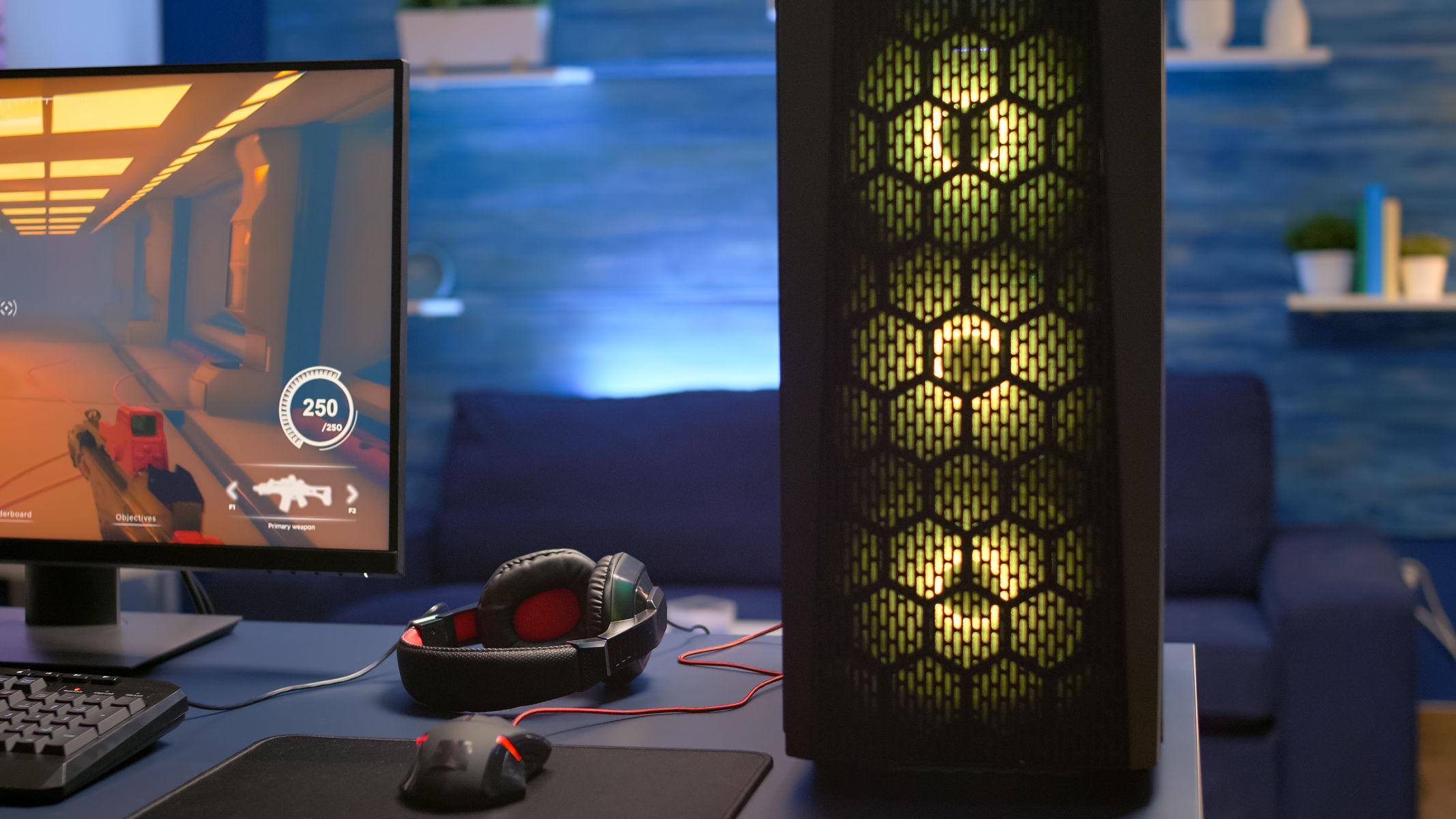
Building your own personal computer (PC) can be a rewarding experience, and it offers a number of benefits over buying a pre-built system. Here are just a few of the reasons why you should consider building your own PC:
This time we show you 8 reasons why you should not buy a ready-made PC.
Save money:
Building your own PC can be a more cost-effective option than buying a pre-built system, especially if you’re willing to shop around for the best deals on components. When you build your own PC, you’re not paying for the markup that retailers charge on pre-built systems, and you’re also not paying for any components that you don’t need or want.
Get the exact PC you want:
When you build your own PC, you have complete control over every component that goes into your system. This means that you can choose the components that are right for your specific needs and budget. For example, if you’re a gamer, you can choose a powerful graphics card and processor. If you’re a video editor, you can choose a lot of RAM and storage.
Pre-built PCs are often not optimally configured:
To get the best performance from your gaming PC, it pays to match the installed hardware well. For example, there is little point in pairing an expensive high-end CPU with a mid-range graphics card, as the GPU is largely the limiting factor in gaming. This, in turn, depends on the games you like to play.
In the case of prefabricated PCs, it happens again and again that the combination of components is not optimal. One reason is that distributors often work with what is currently available in stock. It may happen that a latest generation CPU is installed in current computers because the distributor wants to get rid of these models, even though a more efficient and/or more powerful model is now available for the same price.
Additionally, each user has their own requirements and preferences for their own PC. You know them best yourself, and it is often difficult to find a ready-made PC that reflects them exactly.
The problem of configured PCs:
There are pre-configured PCs, some distributors such as iBuyPower or CyberPower now also offer a configurator where you can build your own computer. The computer is then assembled at the dealer and shipped to you. A good idea in itself, but it also has disadvantages.
First of all, the dealer must pay for assembly and warranty. In addition to the price of the components, you usually have to pay a lump sum.
Additionally, your choice of components is limited to the dealer whose configurator you use. Therefore, you cannot choose the lowest price for components and are also limited in your selection to what the distributor currently has in stock.
Therefore, it may happen that the exact model of graphics card or case you want for your PC is not available at this dealer. Which brings us to the next point.
Upgrade easily:
Upgrading a pre-built PC can be difficult and expensive, but upgrading a custom-built PC is much easier and more affordable. When you build your own PC, you know exactly what components are in your system and how they’re all connected. This makes it easy to swap out old components for new ones as needed.
Learn about computers:
Building your own PC is a great way to learn about computers and how they work. When you build your own PC, you’ll learn about the different components that make up a computer and how they all work together. This knowledge will be helpful for troubleshooting problems and upgrading your system in the future.
Less freedom than if you build it yourself:
If you build your PC yourself from scratch, you have all the freedom. This applies to the composition of the components (as explained above), but also to the details with which you can give your computer an individual touch. Experienced hobbyists can, for example, assemble a water cooling system individually, determining the position of hoses, radiators, pumps and expansion tanks and adjusting them for optimal cooling performance.
But even with simpler constructions, RGB components or a stylish case can be installed according to one’s own ideas. You will also find these on ready-made PCs, but you have no influence on how the PC is ultimately installed.
Building your own PC is a wonderful experience
Many gamers enjoy installing RGB components or a fancy case according to their taste and then assembling it themselves until the end.
Of course, this requires some technical knowledge, but even a beginner with good instructions can implement particularly simple systems without water cooling in a few hours.
And when the new computer is finally ready and boots successfully for the first time, a feeling of success and pride lingers. The gaming PC that will accompany you for the next few years is your own project, not simply a mass-produced and off-the-shelf product.
If you’re thinking about building your own PC, there are a few things you should keep in mind. First, it’s important to do your research and make sure that you choose the right components for your needs. There are many resources available online and in libraries to help you learn about different computer components and how they work together.
Second, it’s important to be patient and take your time when building your PC. Rushing can lead to mistakes, so it’s important to carefully follow the instructions and make sure that you’re connecting everything correctly.
Finally, don’t be afraid to ask for help if you need it. There are many online forums and communities where people are happy to help new builders.
Here are some additional tips for building your own PC:
- Start by creating a budget and deciding what kind of PC you want to build. Are you building a gaming PC, a workstation, or a general-purpose PC? Once you know what you want to build, you can start researching components.
- Use a PC parts picker website to help you choose compatible components. These websites will also give you an estimate of the total cost of your build.
- Buy your components from reputable retailers. This will help ensure that you get genuine components and that you have a warranty in case anything goes wrong.
- Take your time when building your PC. Carefully follow the instructions and make sure that you’re connecting everything correctly.
- Don’t be afraid to ask for help if you need it. There are many online forums and communities where people are happy to help new builders.
Building your own PC can be a rewarding experience, and it offers a number of benefits over buying a pre-built system. If you’re willing to do your research and take your time, you can build a PC that is perfect for your needs and budget.
By: ForAllTech