
In the world of design, effectively archiving a design system is crucial for maintaining coherence and efficiency over time. However, beyond simply storing visual components, it is crucial to preserve the design decisions that underlie them.
A well-archived design system not only saves visual elements such as icons, typography, and color palettes, but also documents the reasons behind these choices. Why was a particular typeface chosen? What is the logic behind the color hierarchy? These are questions that need to be answered to ensure that the design system is understandable and adaptable in the future.
Preserving design decisions is crucial because they reflect the strategic thinking and intentions behind each visual element. These decisions may be based on user research, competitor analysis, industry trends, and product requirements. By archiving these decisions, a historical record is created that allows designers to understand the original context and make informed decisions in the future.
Furthermore, preserving design decisions fosters consistency and collaboration within a team. When all members have access to the logic behind the decisions, they are more likely to follow established guidelines and contribute effectively to the design system.
In summary, effectively archiving a design system involves much more than simply storing visual components. It is essential to preserve design decisions to ensure coherence over time, foster collaboration, and enable future adaptability of the system.
Some technical tips:
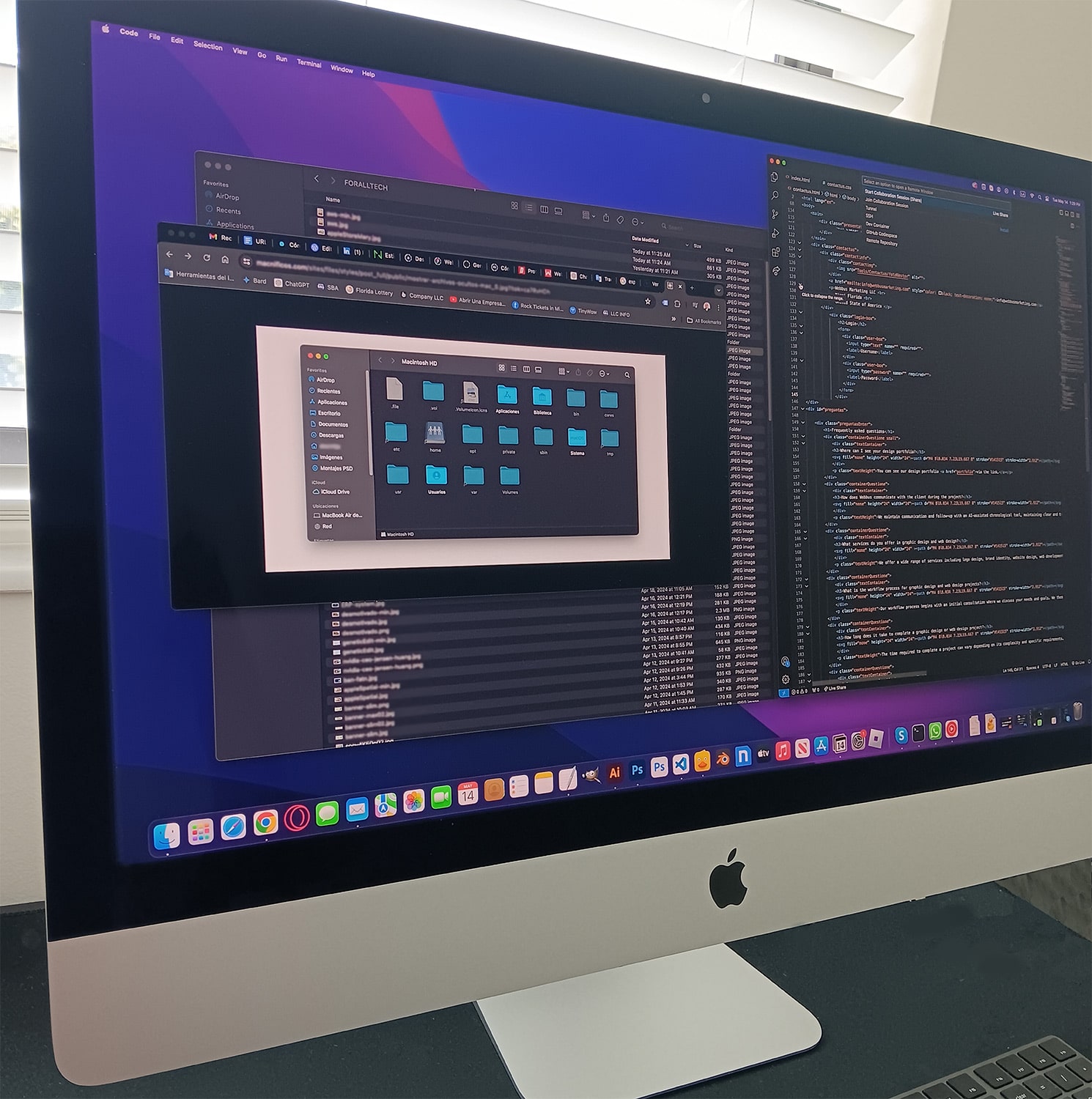
- Establish a logical folder structure: Organize your files into folders with a logical and coherent structure. For example, you can create main folders for different types of files (such as “Fonts,” “Icons,” “Components,” “Documentation”) and then subdivide them as needed.
- Use consistent naming conventions: Employ clear and consistent naming conventions when naming your files. This will make it easier to search for and understand the files for you and your team. Consider including relevant information in the file names, such as version, date, and purpose.
- Document adequately: Accompany your files with clear and concise documentation that explains their purpose, usage, and context. This is especially important for reusable design components, where understanding the context may be crucial for their proper use.
- Maintain a versioning system: Use a versioning system for your design files, such as Git, to track changes and facilitate team collaboration. This will allow you to revert changes if necessary and maintain a clear history of design iterations.
- Implement digital asset management tools: Consider using digital asset management (DAM) tools to centralize and organize your design files. These tools often offer advanced search, metadata, and version control features that can significantly improve the efficiency of your workflow.
- Perform regular backups: Do not underestimate the importance of regularly backing up your design files. Use automatic backup systems or cloud services to ensure the security and availability of your data in case of any mishaps.
- Keep it clean: Regularly dedicate time to review and clean up your design files. Remove obsolete elements, old versions, and duplicate files to avoid confusion and maintain an organized and efficient file system.
By: Nestor Castillo, For AllTech News Director